Applyr is new — and we are giving away 14 days to start
To launch, we are giving away fourteen days of full access. What makes Applyr different: 25 designed template sets instead of word-processor looks, no subscription, and data that never leaves your browser.
Applyr went online a few weeks ago. Now comes the part you cannot do at a desk: finding out whether the tool works for people who did not build it. So we are giving away fourteen days of full access — and asking for two minutes of your opinion in return.
Why we are giving this away
We could spend another six months polishing details while guessing what applicants actually need. Or we could put the tool in the hands of people writing an application right now, and listen. The second is faster — and more honest.
There is also a question no amount of in-house testing answers: what happens when many people generate a PDF at once? Where does it stumble on devices we have never held? For that we need real use.
A good moment even without a job hunt
Most people notice how old their documents are only when things need to move quickly. A role you would actually want then turns into an evening with a Word file from 2019 — and an application you would rather not have sent.
Twenty minutes for a current set is time well spent. It then sits ready: for an enquiry through your network, an internal opening, an opportunity nobody schedules.
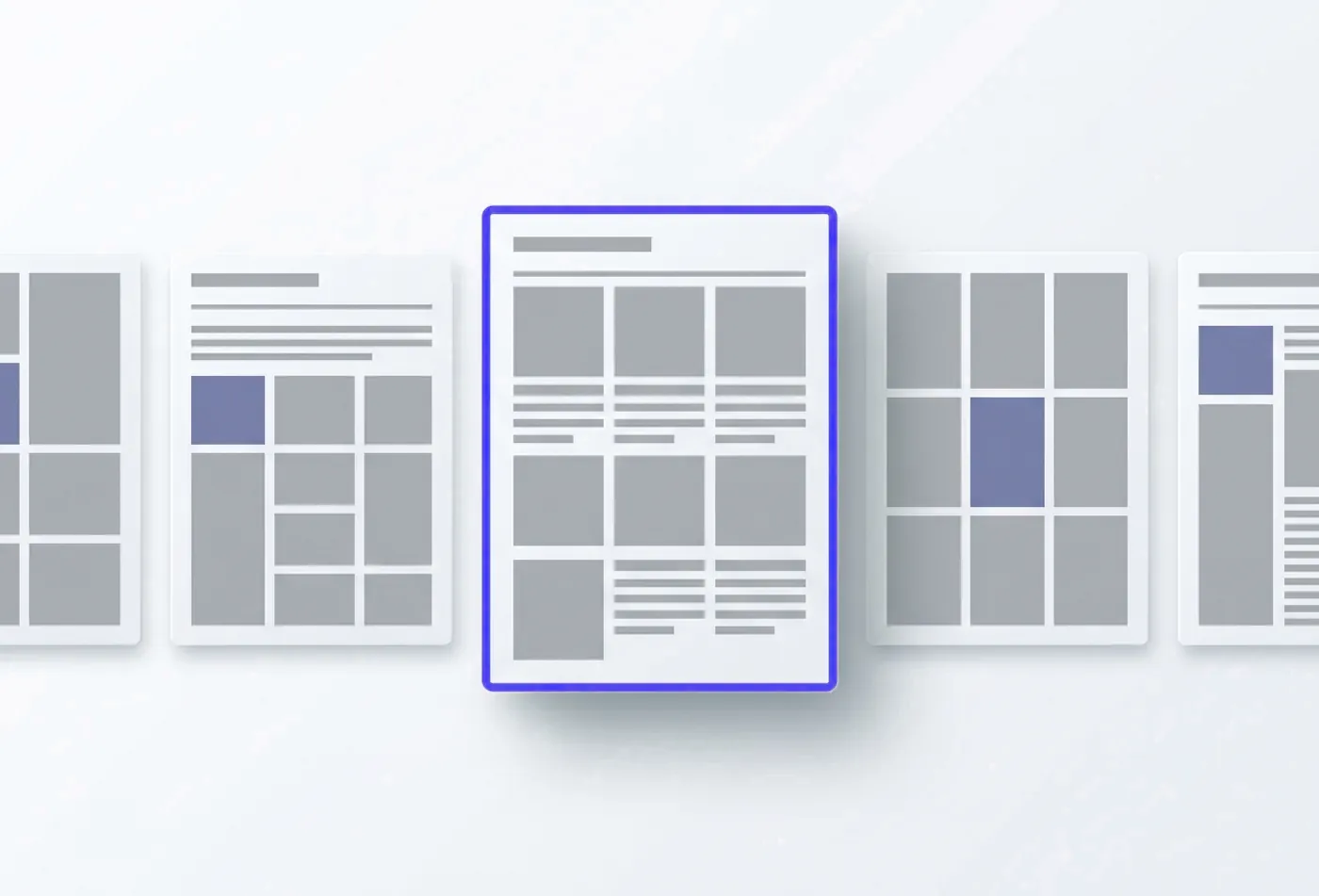
Twenty-four sets, none of them Word
The market splits roughly in two. Free templates look like they were designed in the nineties. On platforms like Etsy there are good ones — for a double-digit sum each, as a file you adapt yourself.
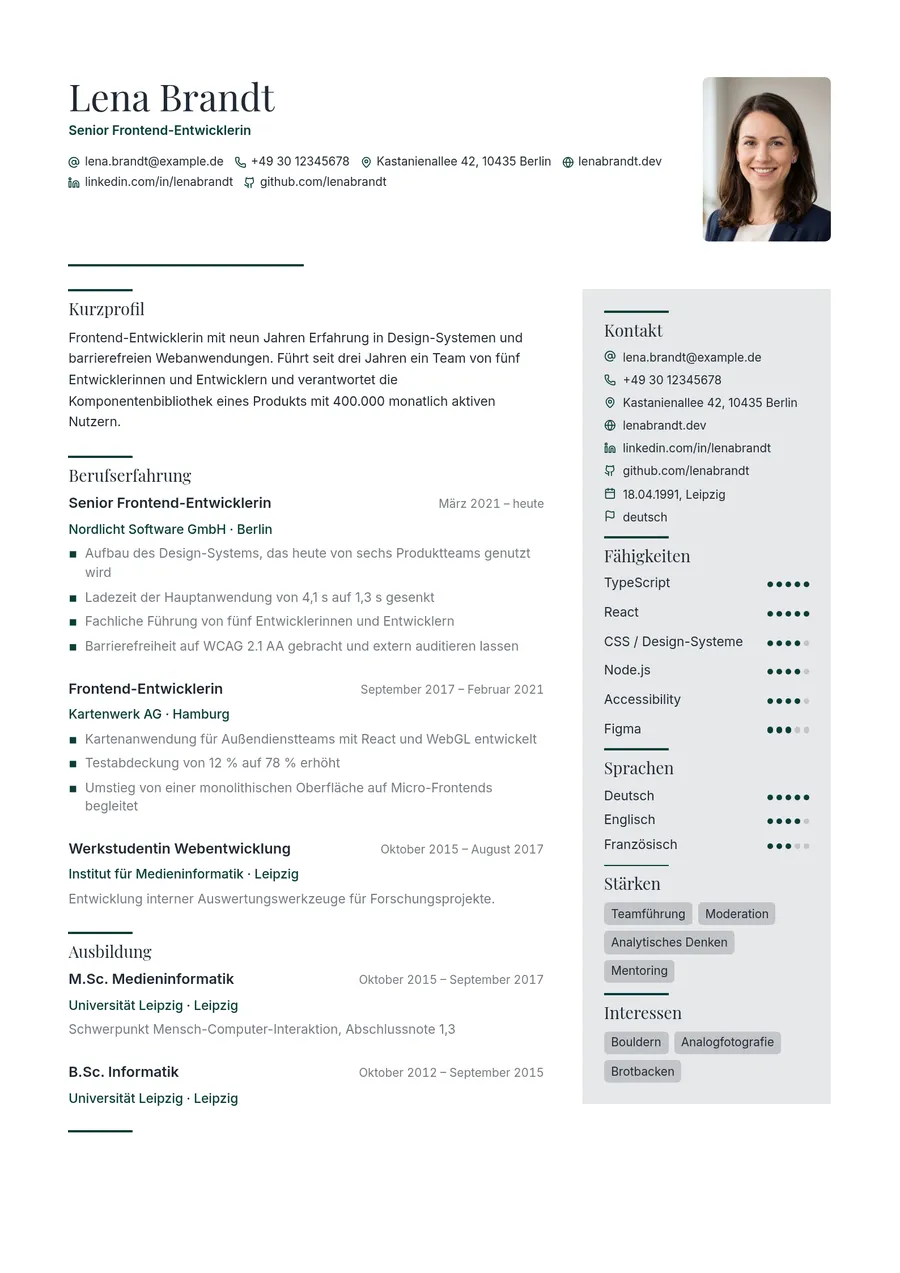 Elbe
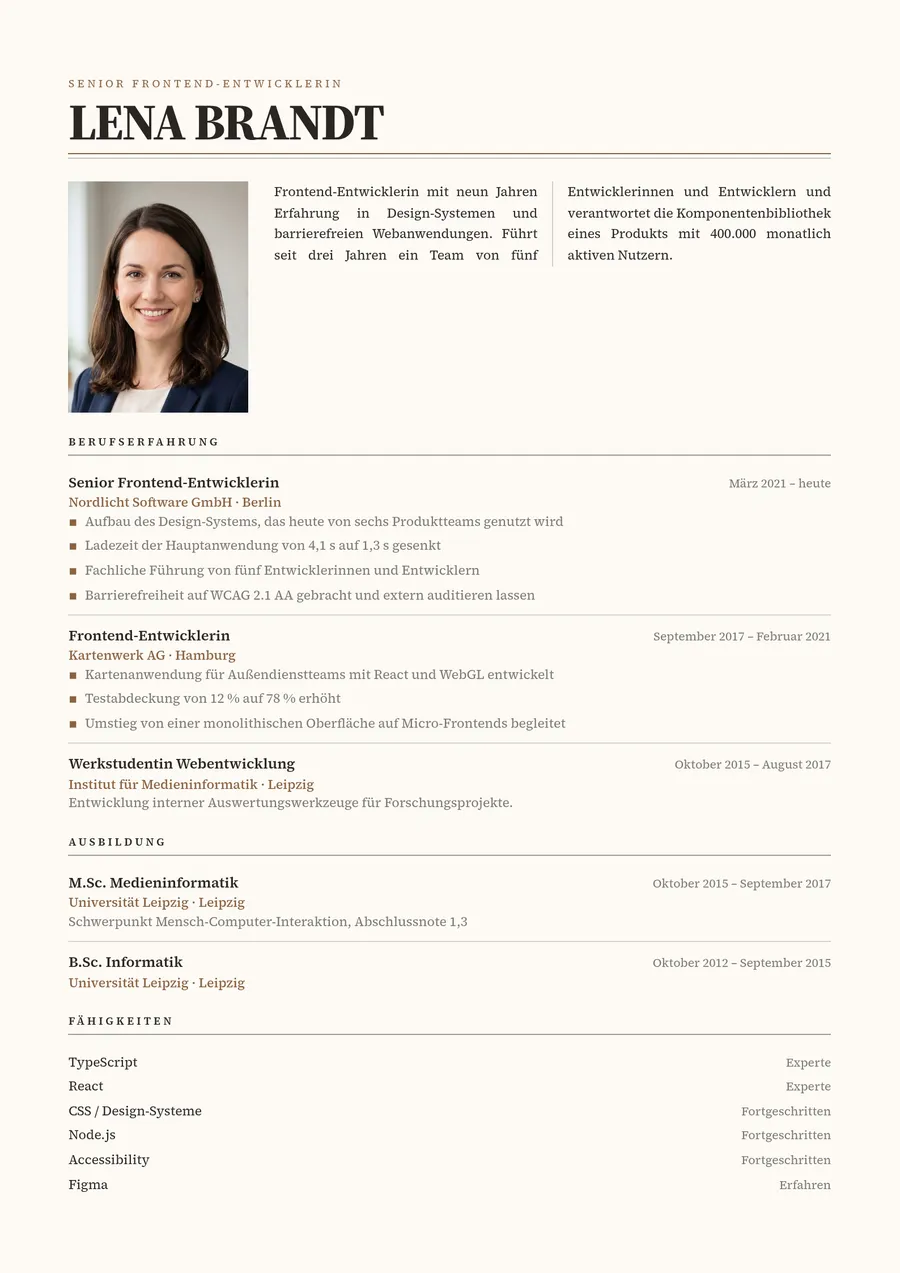 Kopenhagen
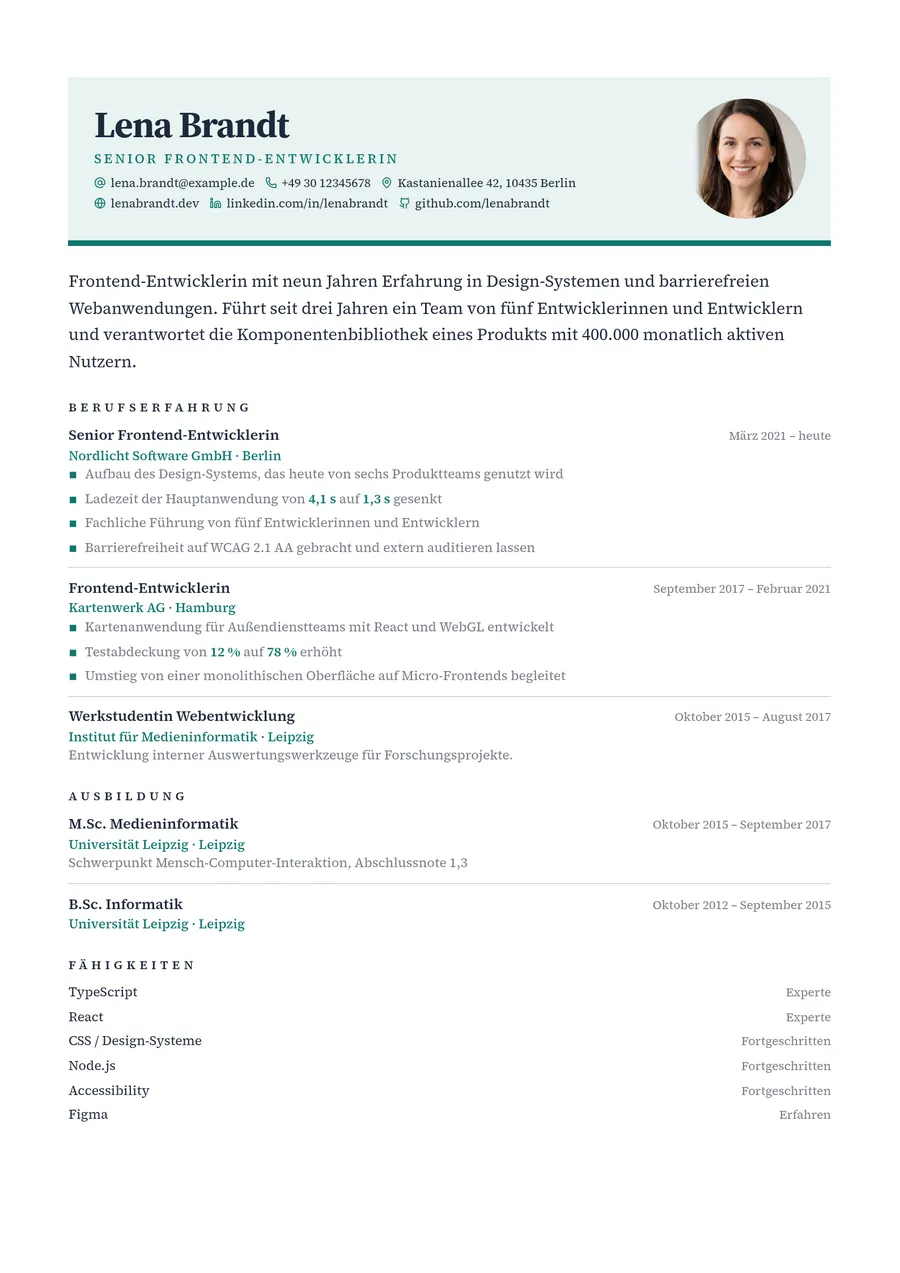 Toronto
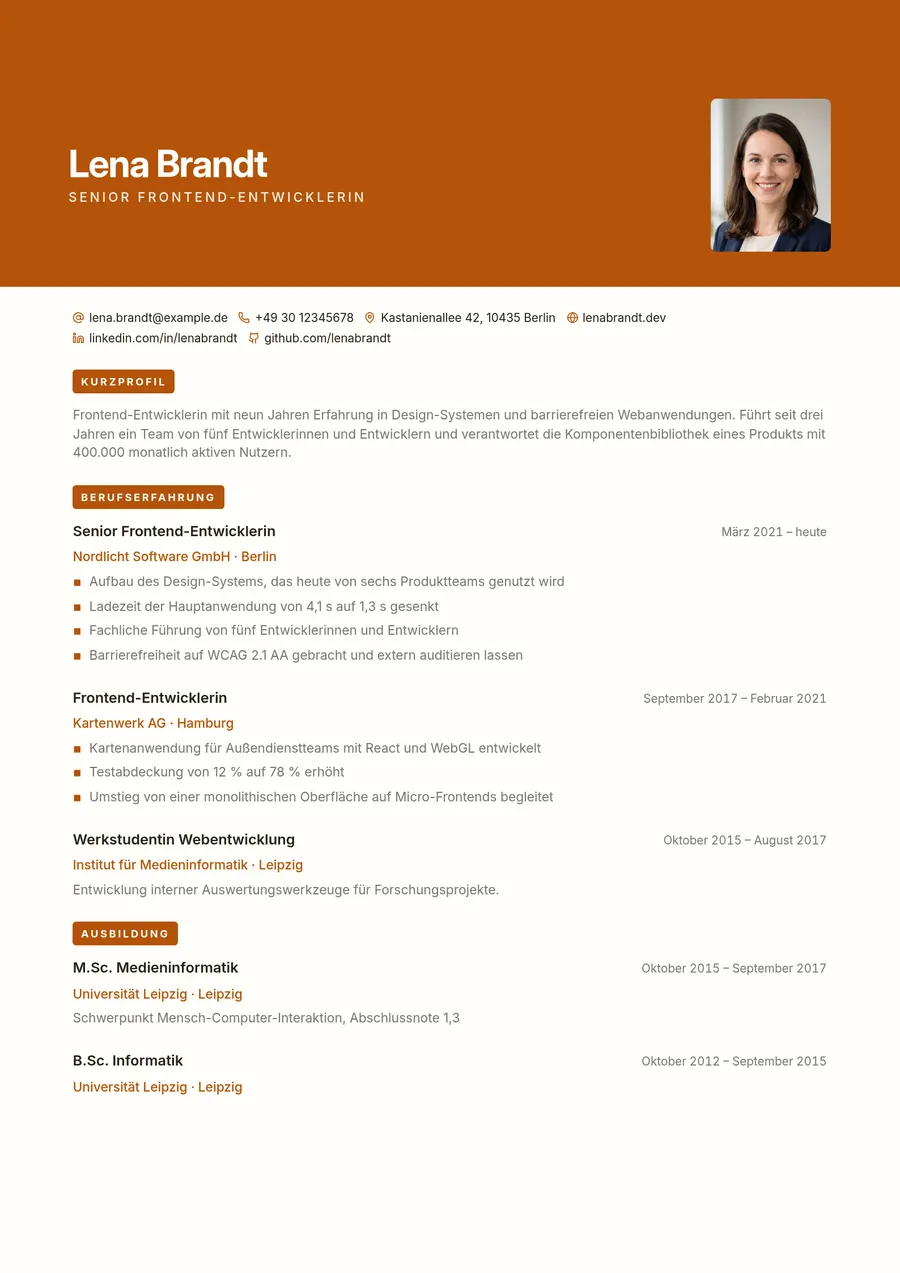 Kyoto
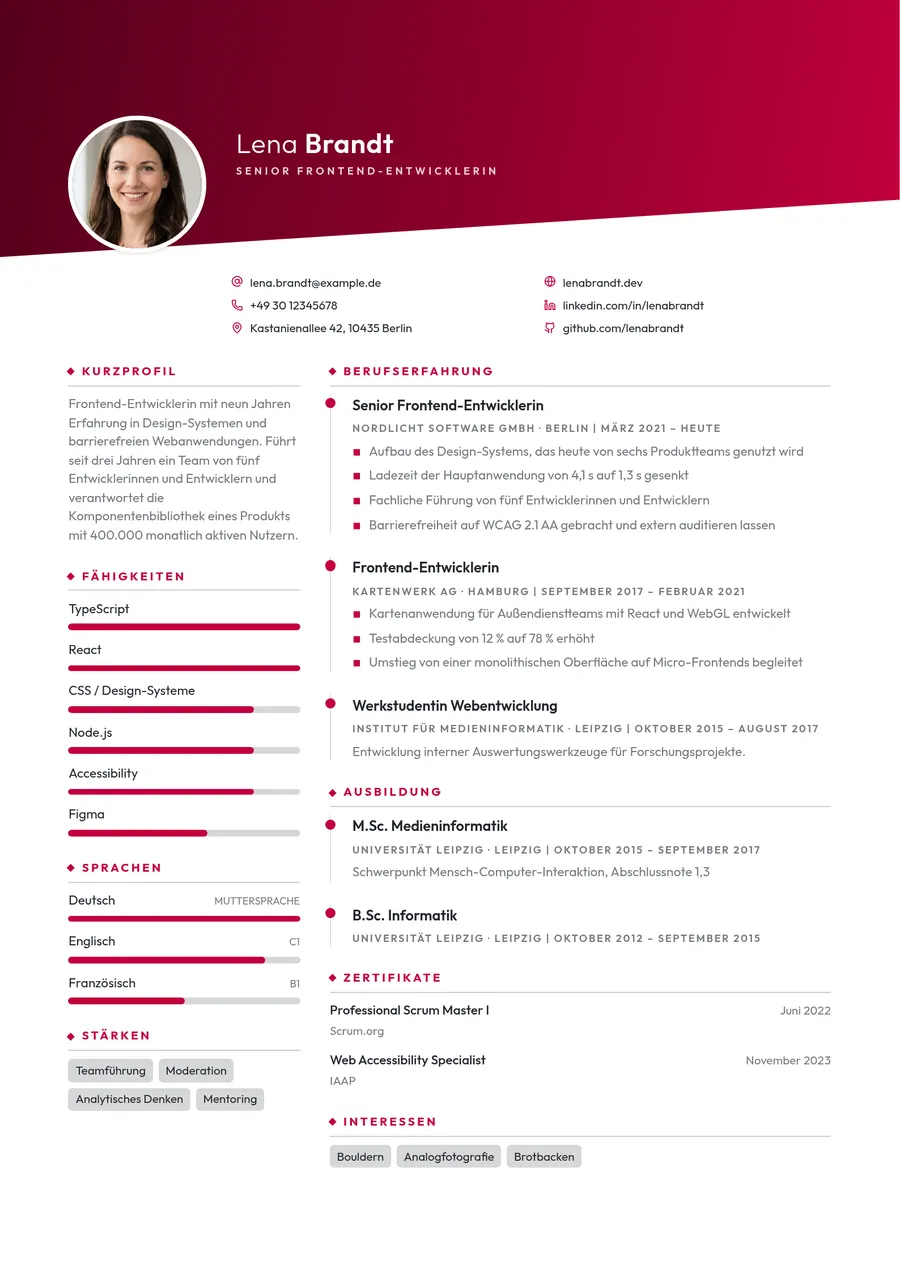 Madrid
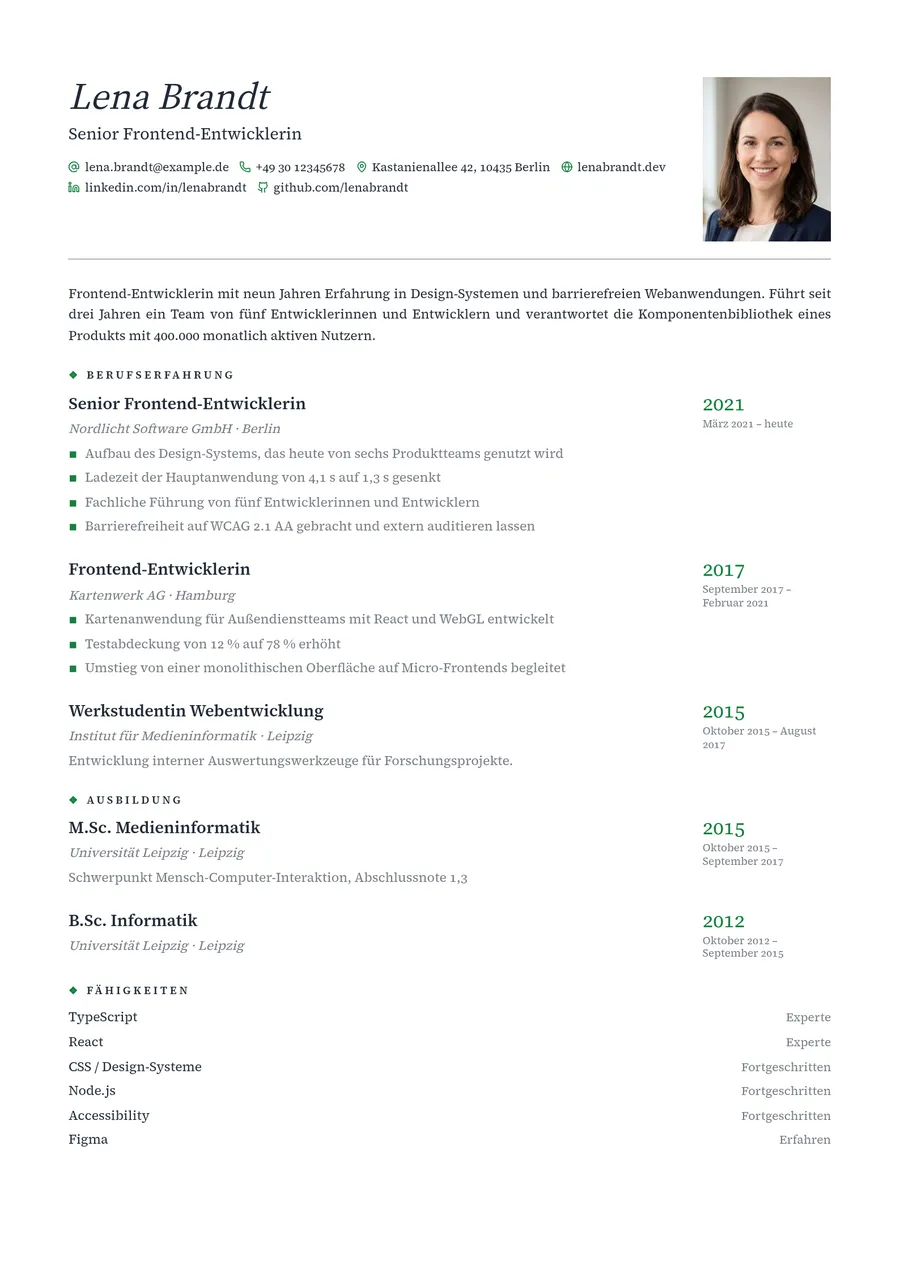 Heidelberg
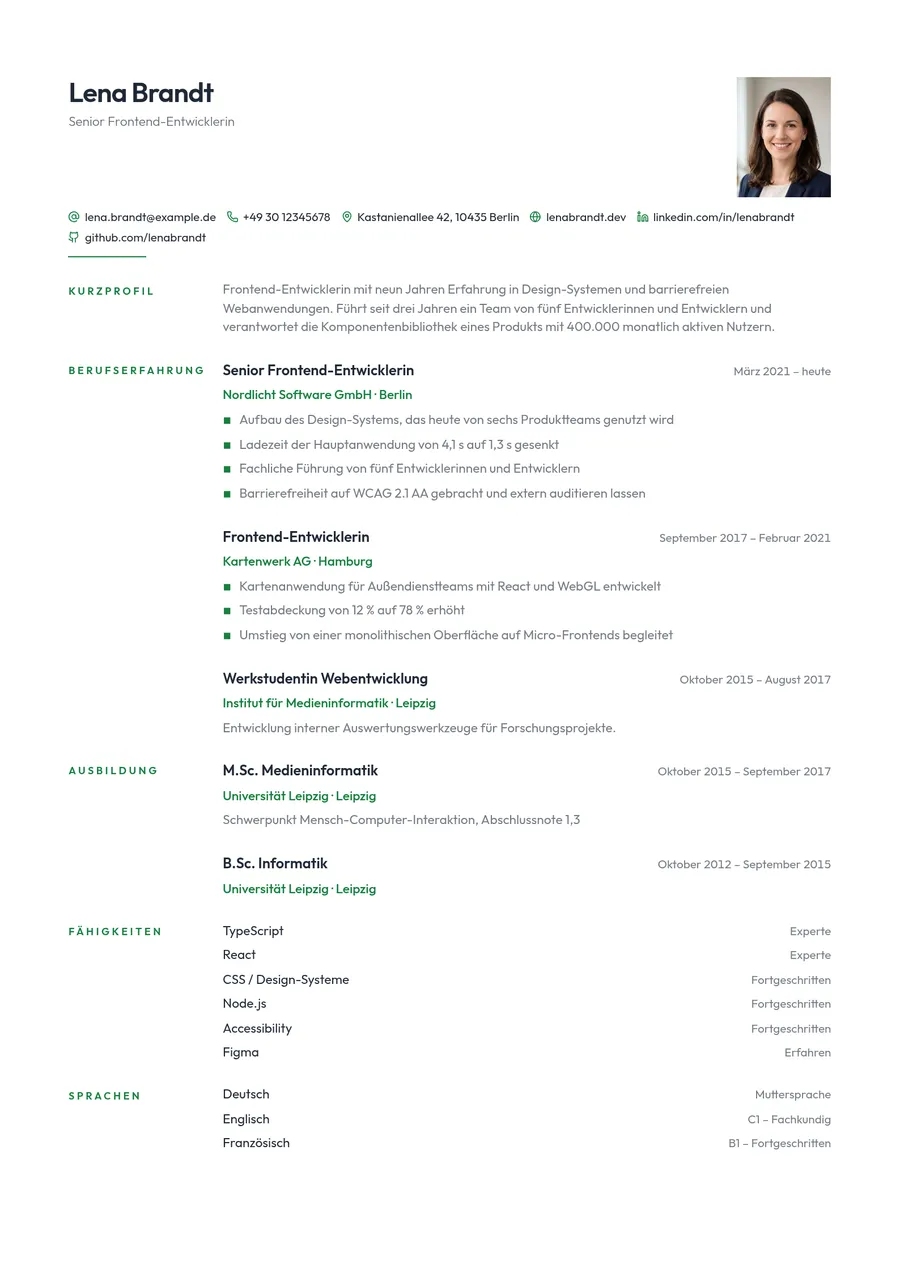 Oslo
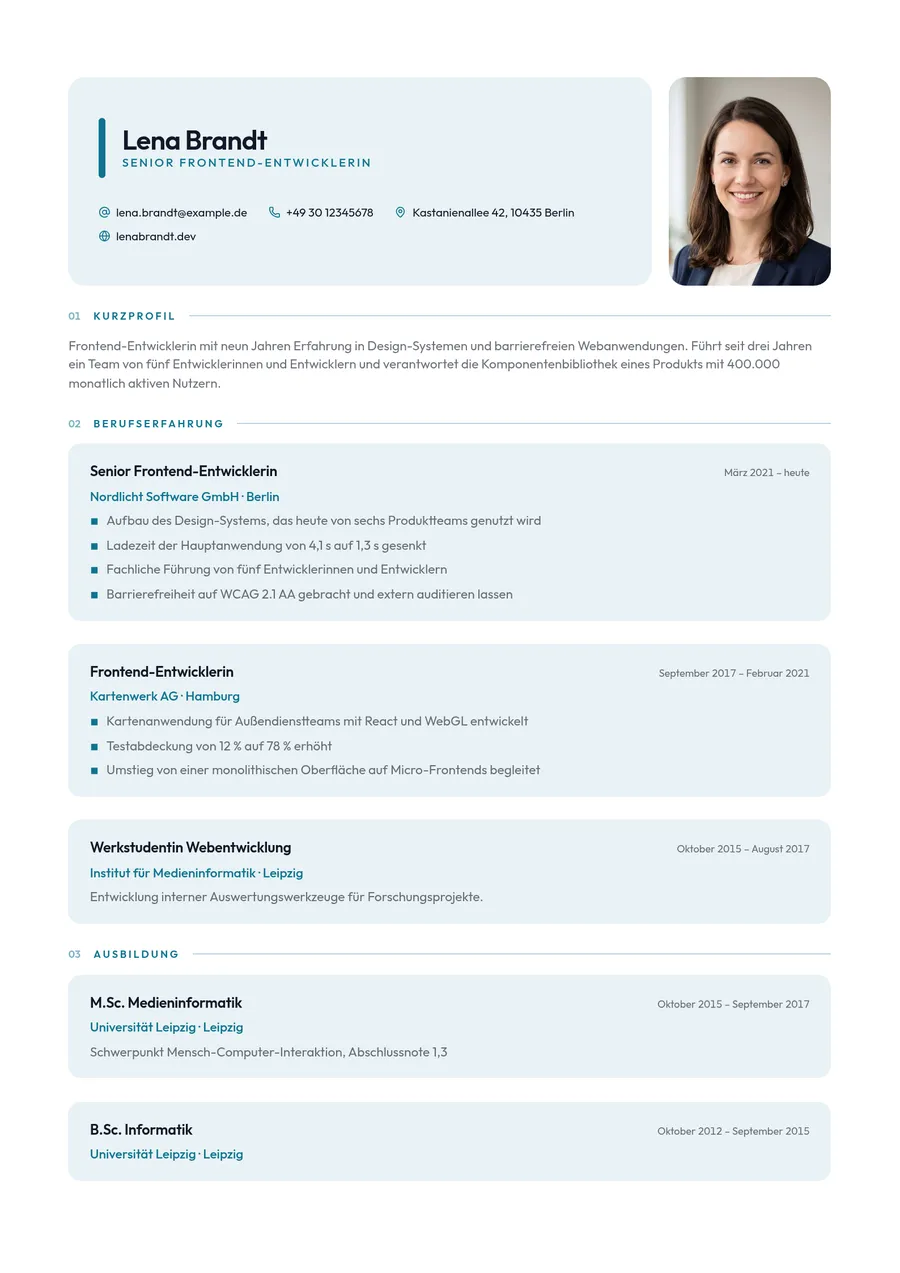 Seoul
Applyr includes all twenty-five, designed through from cover page to cover letter. Type area, font pairing and colour fields are worked out per set — they look like someone typeset them, because someone did.
What Applyr does differently
Simple without being simplistic
You fill in fields and see the finished page at once. Want more? There is more: fonts, accent colours, section order, cover page on or off. If you do not need it, you will never run into it.
No subscription
No contract that renews quietly, no notice period to forget. Plans simply end. That was the reason to start this in the first place.
Privacy that is more than a banner
Your CV never leaves the browser. No upload, no database, no account holding your career history — that is how it is built, not how it is worded.
Print-ready, not screen-only
A4 with correct margins, embedded fonts and DIN 5008 fold marks if you want them. What you see is what comes out of the printer.
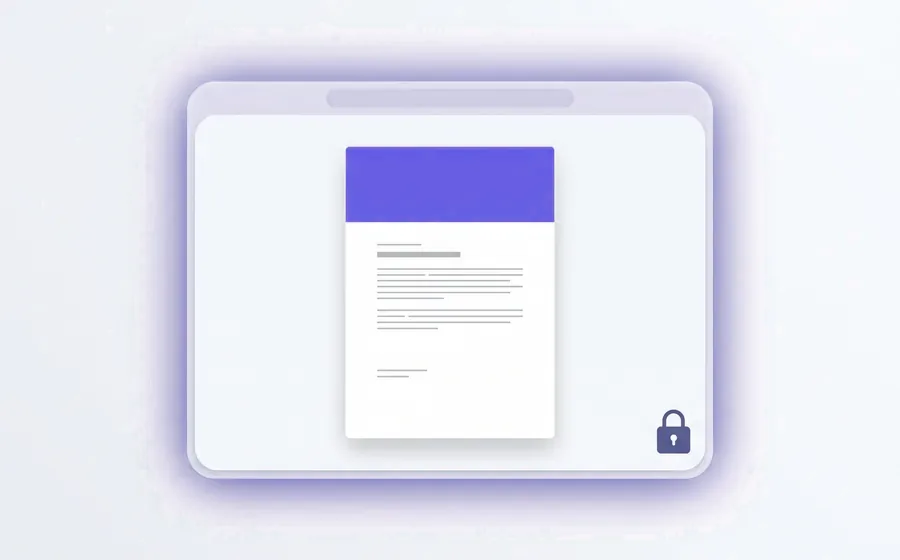
What “local” actually means here
Your details sit in your device’s storage. There is no server holding your CV and no account containing it — the account only governs whether the editor is open.
The one exception is PDF printing: for that the details go to a server once and are discarded immediately. That is spelled out on screen beforehand, and nothing happens without your tick.
Twenty minutes to your first set
Enter your details, pick a template, adjust the finer points, download the PDF. The preview shows the typeset page, not an approximation of it.
The second set takes five minutes, because your data stays put. You simply pick another template — and see the same life in a different hand.
How to get in
The link below creates an account with an e-mail address and a password. Nothing else is asked: no address, no phone number, no payment details.
Step 1: Create an account — half a minute.
Step 2: Enter your details and pick one of the 25 sets.
Step 3: Download the PDF, look at it, send it off.
Honestly: Applyr is new. During this phase there may be brief outages, and you will spot small things we missed. That is exactly what this is for. Save your application as a file along the way — the export button sits in the top bar.
And at the end: two minutes
When your documents are done, we ask once how it went. Click some stars, add a sentence or two — that is all, and nobody has to. But every response tells us more than any guess, and it decides what we work on next. If you would rather not, you click on and will not be asked again.
Frequently asked questions
- What does the offer cost me?
- Nothing. No payment details are requested, and access ends by itself after fourteen days. There is nothing to cancel.
- What happens to my application after the fourteen days?
- Your data sits in your browser rather than with us, so it stays exactly where it is. Only access to the editor and PDF printing ends. It is worth saving your documents as a file beforehand as well.
- Will I automatically become a paying customer?
- No. There is no contract that carries over and no charge. If you want to continue, you actively choose a plan — or you do not.
- Do I have to leave a review?
- No. The question appears once after you download your first PDF and can be skipped. We are very glad of it though, especially when something did not go smoothly.
- How many applications can I create?
- As many as fit in your browser’s storage — in practice a few dozen. Each set can be saved as a file individually and loaded again later.
This post belongs to Applyr, a tool for job application documents. The advice above holds whatever you write with.